




Description
Download Best Voice Changer APK – Voice Changer, Fun Effects, Prank Tool, Android App
Overview
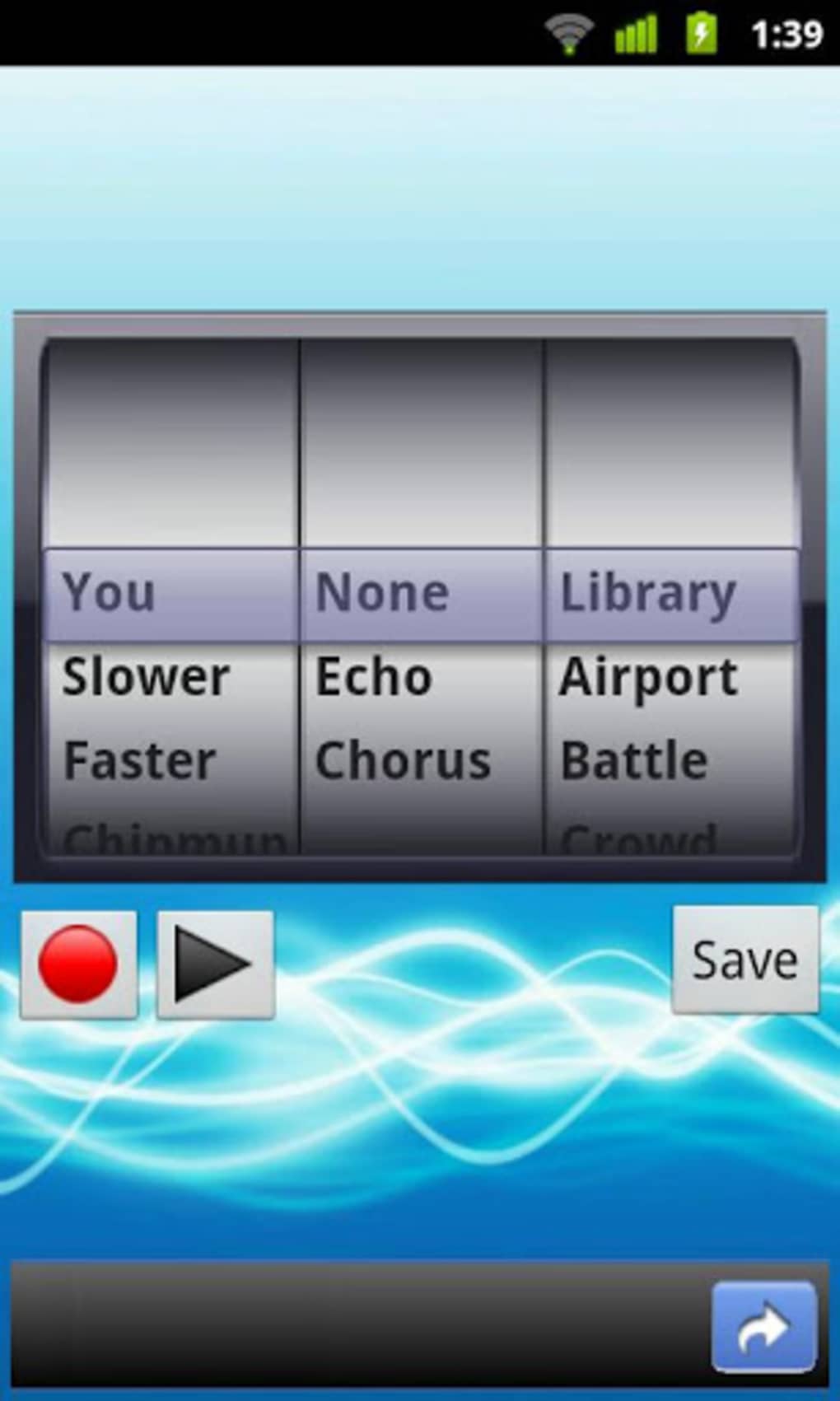
The Best Voice Changer APK is a home and hobby software application designed for Android devices, offering users an entertaining way to modify their voice in real time or during playback. The app enables users to transform their voice using a wide variety of voice effects, including robotic, deep, high-pitched, alien, and more. These transformations can be applied during voice recording or playback, making it ideal for pranks, social media content creation, or just adding fun to conversations. The app supports adjusting the speed of the voice and allows the addition of background sounds such as planes, battles, or ambient noise, enhancing the overall effect.
Target users include casual Android users, prank enthusiasts, content creators, and individuals who enjoy playful interactions during online calls or gaming sessions. It is particularly suited for those seeking lighthearted, non-professional voice manipulation tools. The software is free to download and use, supported by advertisements, which may affect the user experience depending on the frequency of ads. Real-world usage scenarios include recording funny voice messages, transforming voices during video calls, enhancing gameplay with unique character voices, or creating humorous audio clips for social media.
Key Features & Capabilities
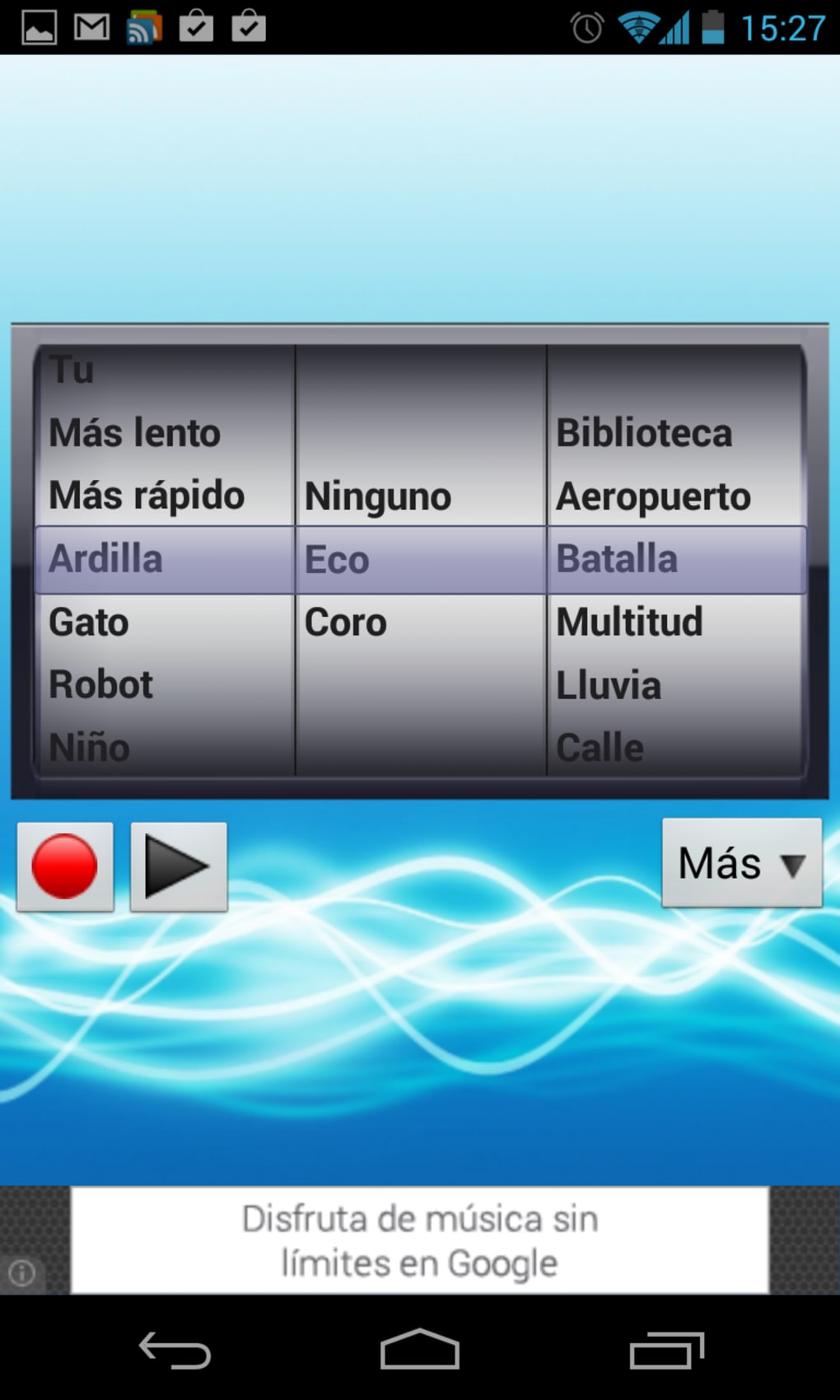
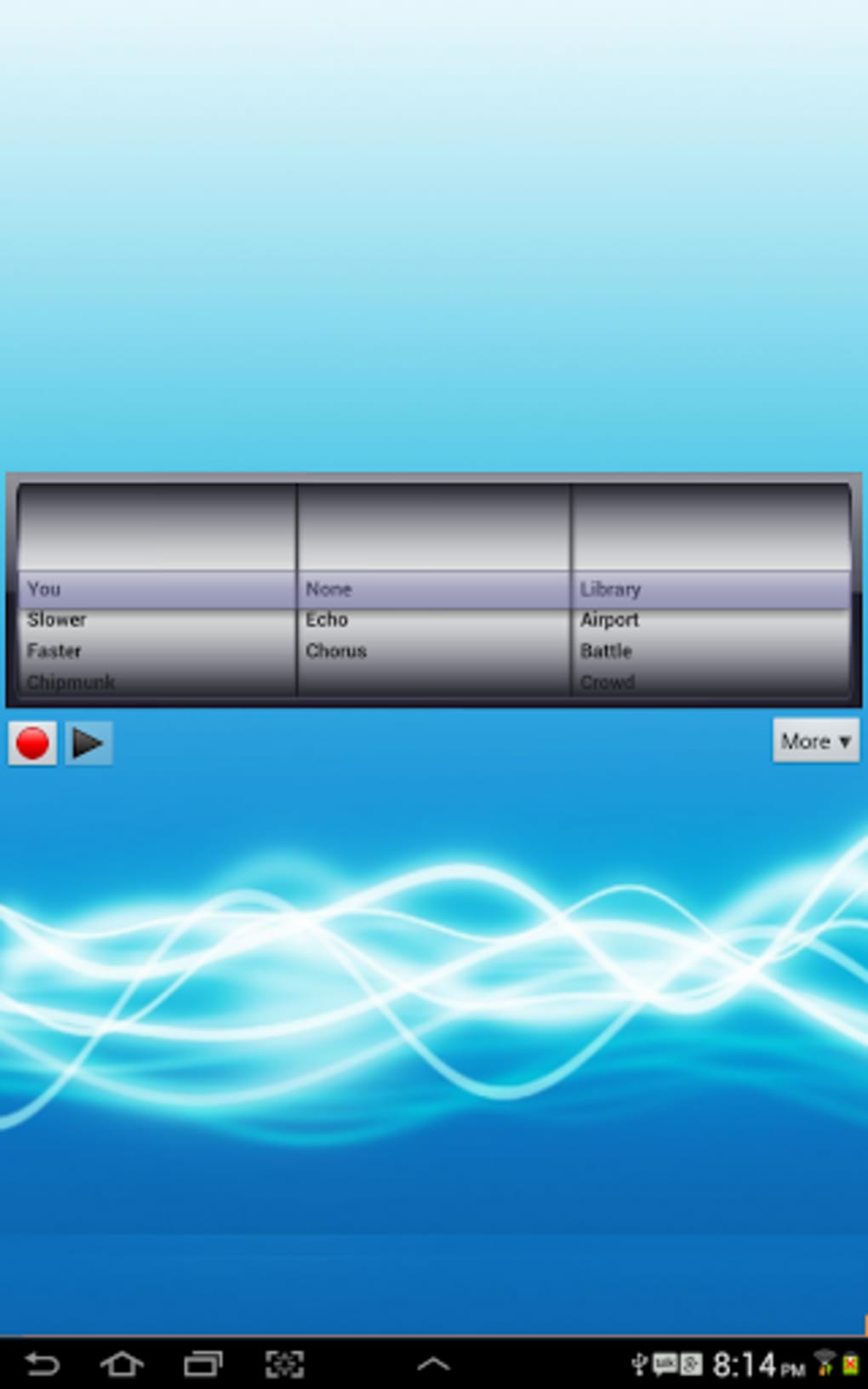
- Multiple Voice Effects: Offers a diverse selection of voice filters such as robot, monster, alien, and chipmunk, allowing users to customize their voice in creative ways.
- Speed Adjustment: Enables users to slow down or speed up their recorded voice, creating exaggerated or unnatural vocal tones for comedic effect.
- Background Sound Integration: Allows the addition of ambient or thematic background sounds like airplane engines, battle scenes, or ocean waves to recorded audio.
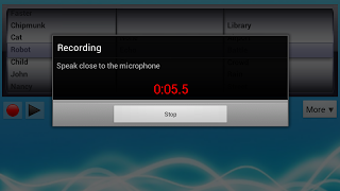
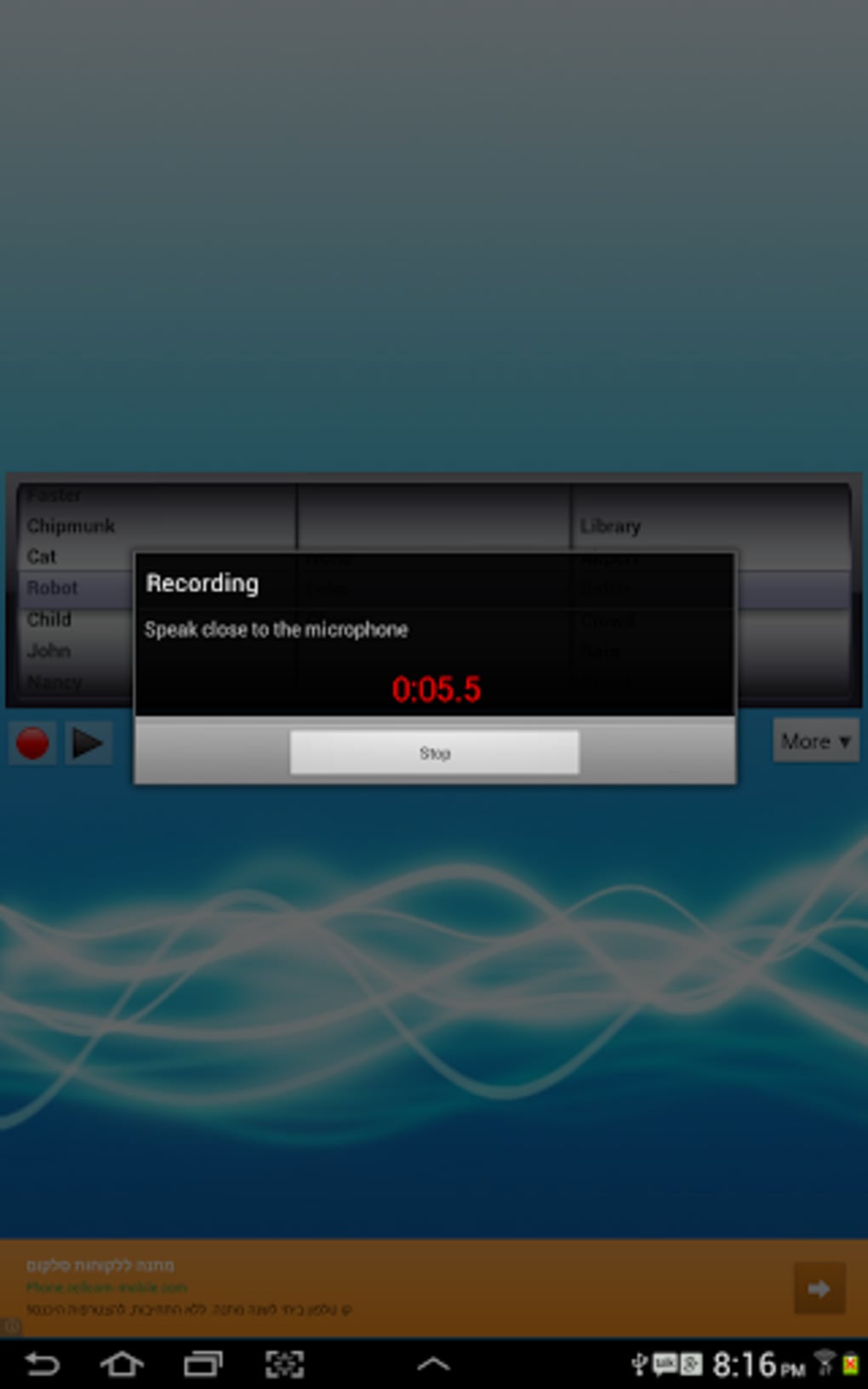
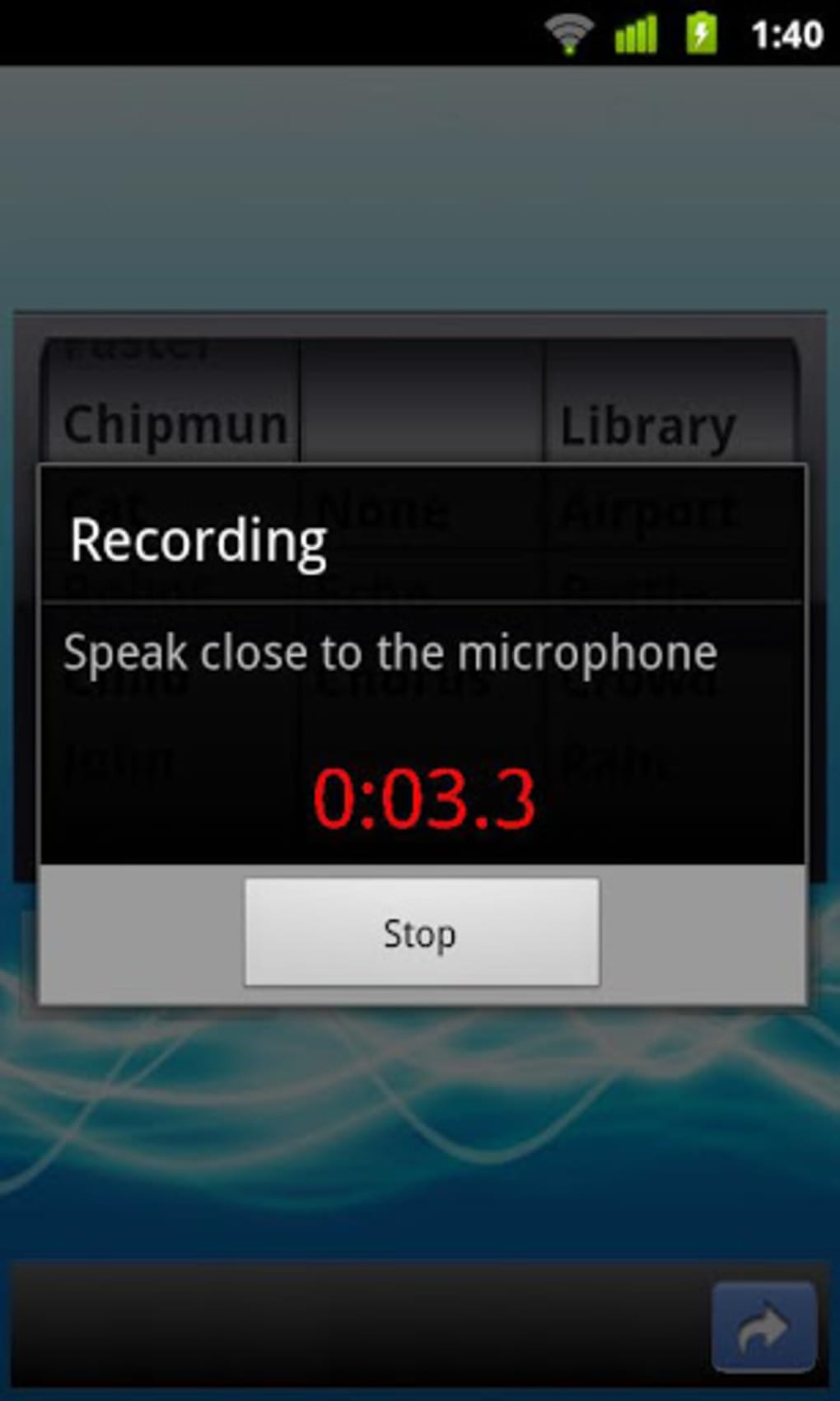
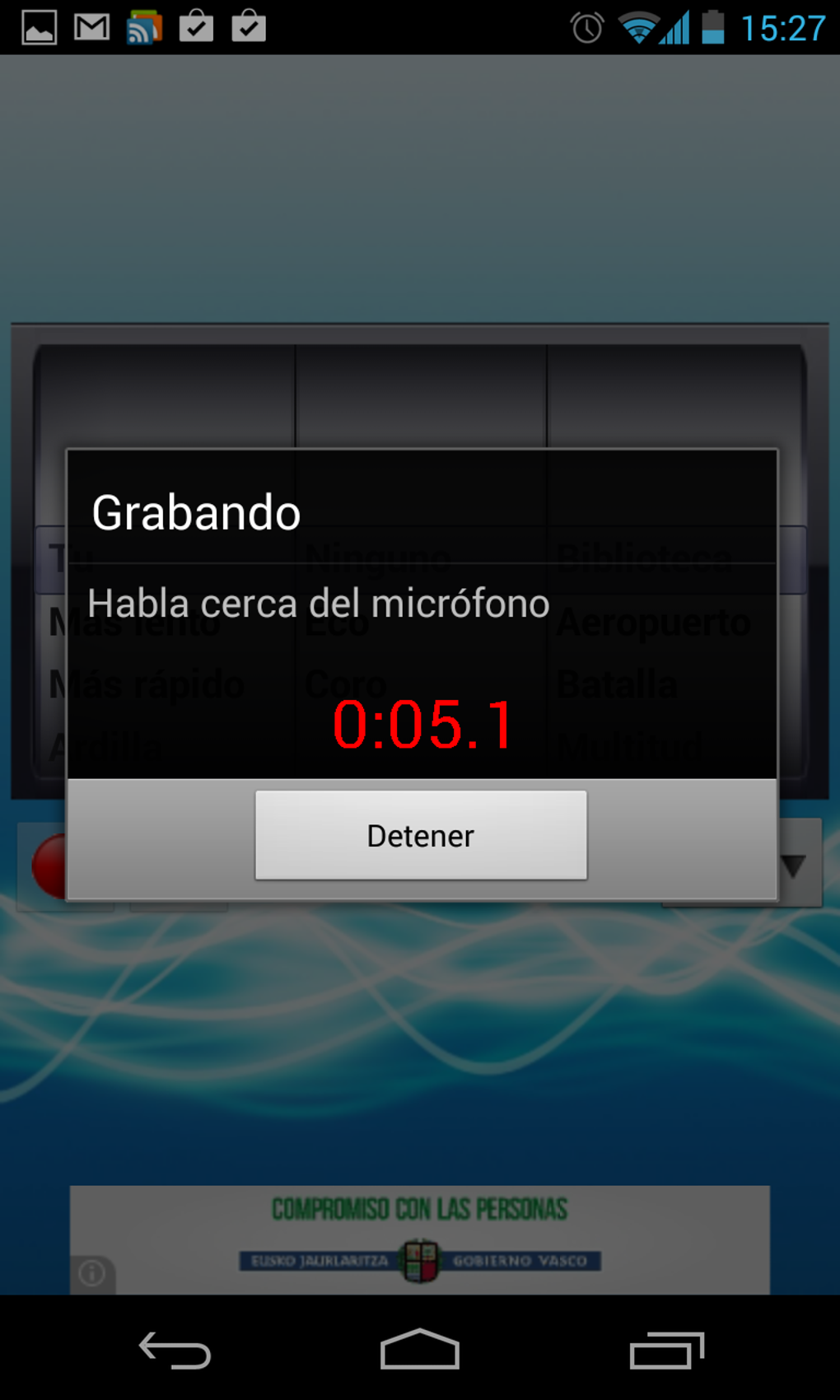
- Audio Recording & Playback: Users can record their voice directly within the app and apply effects before saving or sharing.
- File Export Options: Supports saving modified audio as WAV files, ensuring compatibility with most platforms and devices.
- Real-Time Voice Alteration: Can be used during live conversations or online calls to instantly change voice output.
These features are ideal for users looking to add humor or personality to their digital interactions. For example, a user might record a fake emergency message with a robot voice and a plane background to prank a friend. Another scenario includes using the app during a multiplayer game to assume a character’s voice with exaggerated effects. The ability to export as WAV files ensures that content can be easily shared across platforms without quality loss.
User Interface, Workflow & Performance
The user interface of Best Voice Changer APK is designed for simplicity and ease of use, focusing on quick access to core functions. Navigation is likely structured around a central recording button, with effect selection, speed control, and background sound options arranged in intuitive menus. The workflow follows a straightforward path: record, apply effects, preview, and export. This makes the app accessible even to users with minimal technical experience.
Performance details were not specified by the developer. However, based on typical behavior of similar Android voice manipulation apps, the software likely operates efficiently on modern devices with sufficient RAM and processing power. The app may experience minor delays during real-time processing, especially when multiple effects are applied simultaneously. Stability during extended use has not been confirmed. The developer did not specify resource usage details, so users should expect standard background performance for a media-processing app. Ads may interrupt workflow if not properly managed, potentially affecting the user experience.
Compatibility & System Requirements
Best Voice Changer APK is designed for Android devices. The app is compatible with Android operating systems, though the exact version range was not provided. Installation size is not specified, but typical voice manipulation apps of this nature range from 20 MB to 100 MB depending on included assets. The developer did not list specific hardware requirements such as minimum RAM or processor type.
Compatibility information was partially provided. Users should ensure their Android device supports audio recording and playback functions. For optimal performance, devices with at least 2 GB of RAM and a modern processor are recommended, though this is not officially confirmed. The app is distributed as an APK file, meaning it can be installed outside the Google Play Store, which may require enabling installation from unknown sources in device settings.
Pros and Cons
Pros
- Free to download and use with ads.
- Wide variety of voice effects for creative expression.
- Supports real-time voice alteration during calls and games.
- Allows speed control and background sound addition.
- Exports audio in WAV format for high-quality sharing.
- Simple and intuitive interface suitable for casual users.
Cons
- Ad-supported model may interrupt user experience.
- No official information on system requirements or performance impact.
- APK installation may pose security concerns for cautious users.
- Limited to Android platform; no desktop or iOS version available.
- No advanced editing tools or batch processing features.
FAQ Section
Is Best Voice Changer APK safe to install?
The app is available as an APK file, which can be installed directly on Android devices. While the app is described as free and functional, users should ensure they download it from a trusted source to minimize security risks. Installing APKs from unknown sources may expose devices to malware, so caution is advised.
Can I use Best Voice Changer during online calls?
Yes, the app supports real-time voice alteration, which can be used during online calls. However, compatibility may vary depending on the calling app’s permissions and audio routing capabilities. Some apps may not allow third-party voice manipulation.
Does the app require an internet connection?
No, Best Voice Changer APK can function offline. All voice recording, effect application, and file export features work without an internet connection, making it suitable for use in environments with limited connectivity.
How do I update the app?
Updates are typically released by the developer through the same APK source. Users should check the official website or trusted distribution platform for the latest version. Manual installation of updated APKs is required, as the app does not support automatic updates via the Google Play Store.
Is there a license or subscription fee?
The app is free to download and use, supported by advertisements. There is no mention of a paid subscription or in-app purchases in the provided information. However, users should be aware that ad frequency may affect usability.
Final Thoughts
Best Voice Changer APK delivers a fun and accessible way to transform your voice with a variety of entertaining effects. Its straightforward interface, real-time capabilities, and support for WAV export make it a solid choice for casual users looking to prank friends, enhance gameplay, or create humorous content. While the lack of detailed system requirements and reliance on ads may be drawbacks for some, the core functionality remains strong and well-suited for its intended audience. For those seeking a lighthearted, mobile-based voice manipulation tool, this app stands out as a reliable and engaging option.
Download Best Voice Changer APK now and start transforming your voice today.
Guides & Tutorials for Best Voice Changer APK
How to install Best Voice Changer APK
- Click the Preview / Download button above.
- Once redirected, accept the terms and click Install.
- Wait for the Best Voice Changer APK download to finish on your device.
How to use Best Voice Changer APK
This software is primarily used for its core features described above. Open the app after installation to explore its capabilities.
User Reviews for Best Voice Changer APK 0
No reviews found





